Last updated October 31, 2026
 Wrought iron
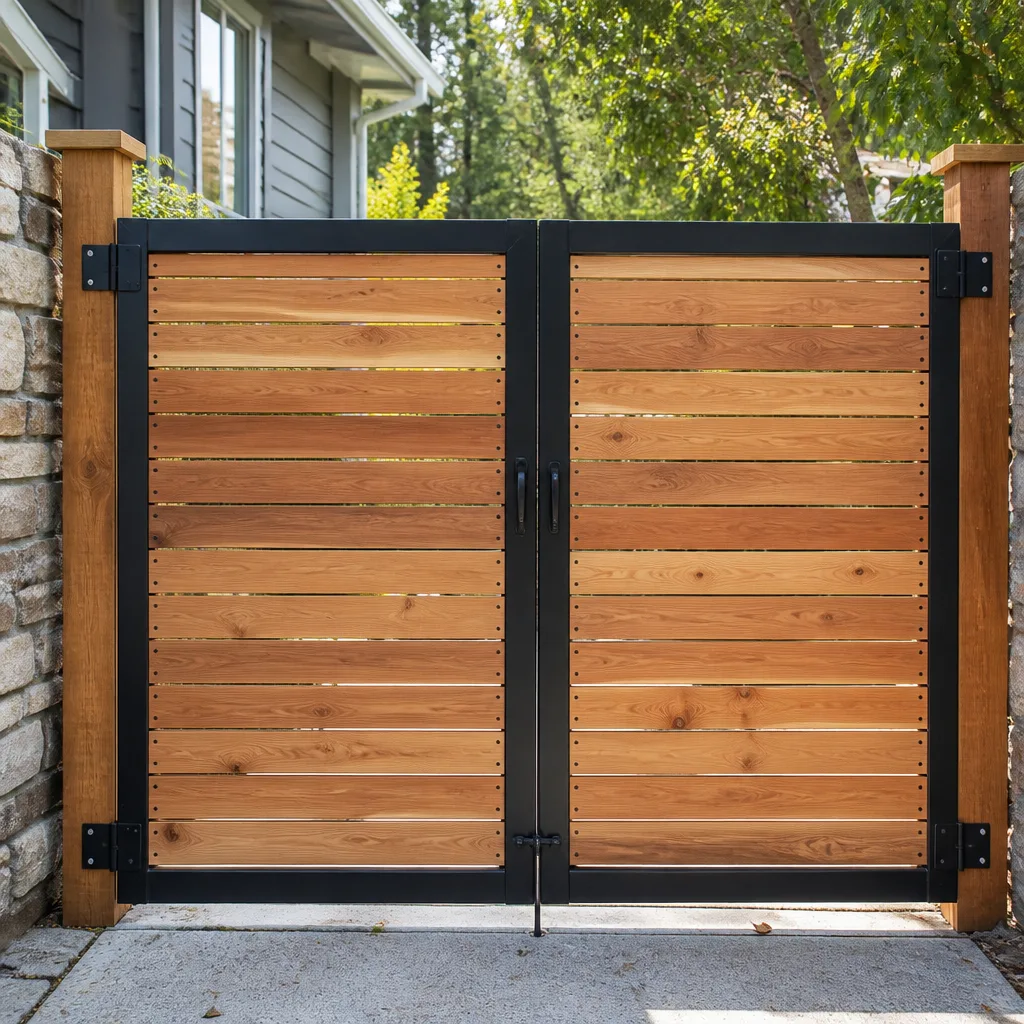 Wood & steel frame
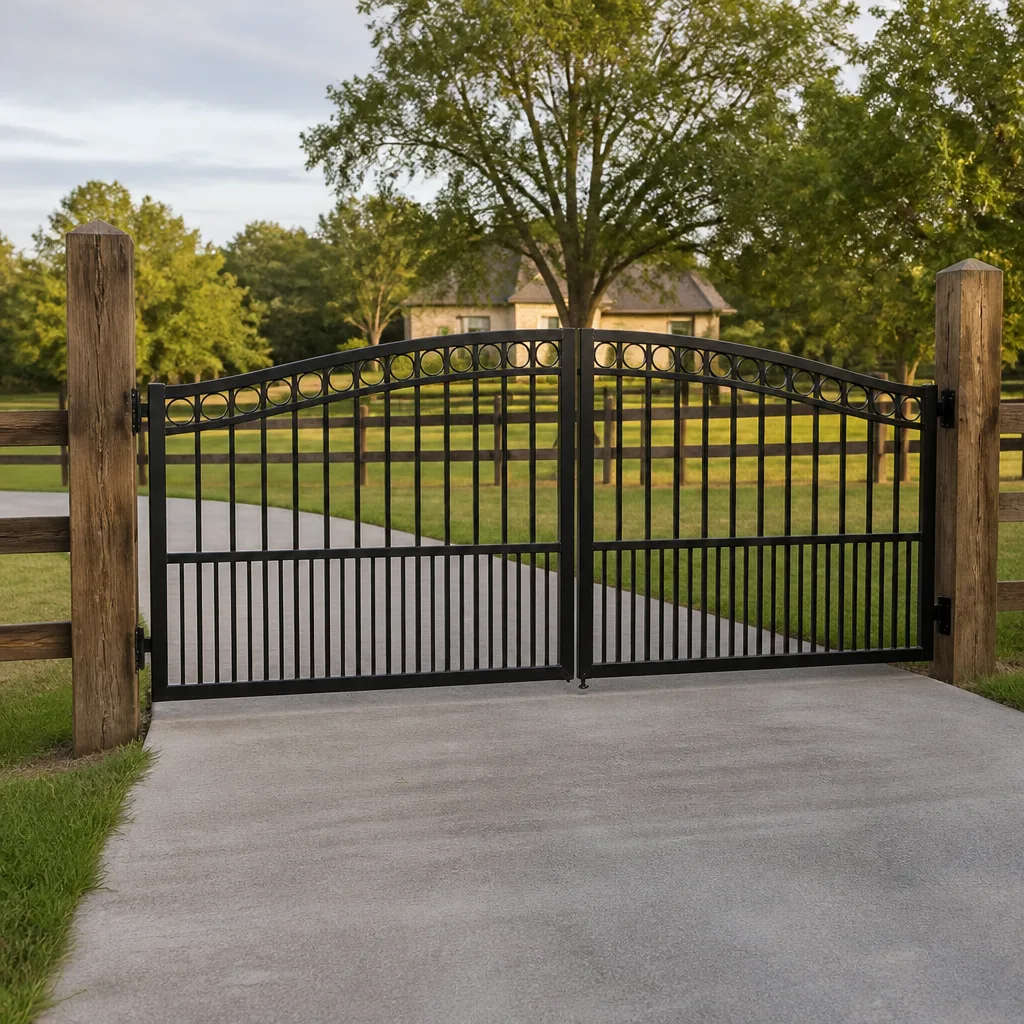 Farm & ranch
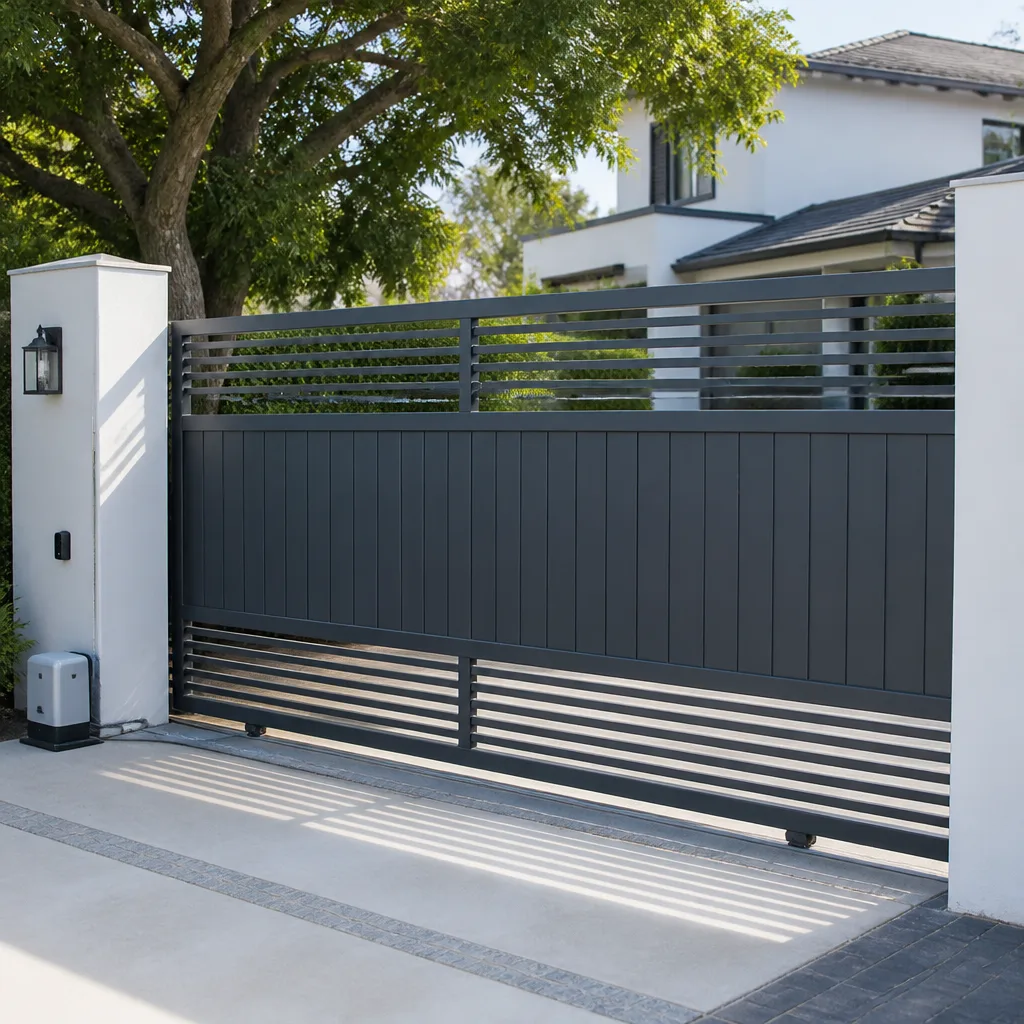 Sliding driveway gates
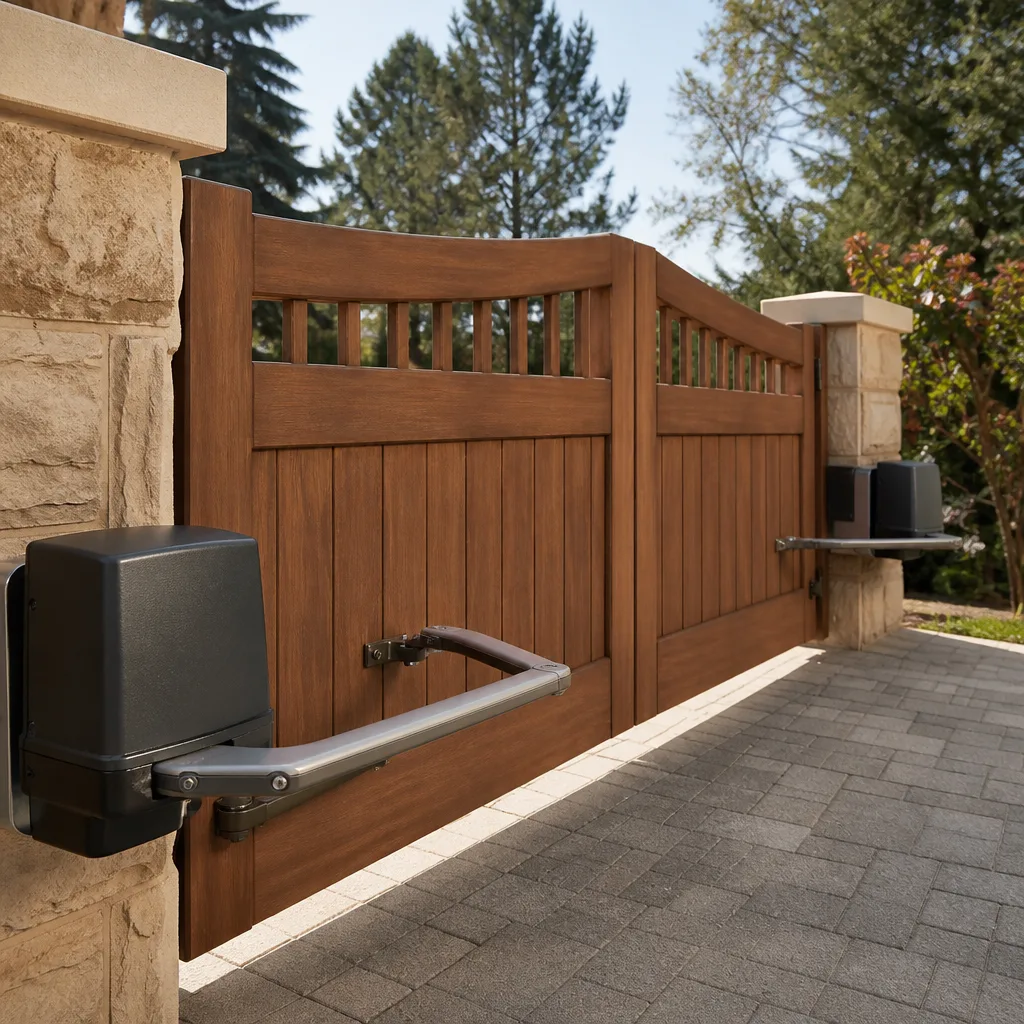 LiftMaster operators
Free on-site gate assessment - hinges, posts, and your LiftMaster or Nice gate operator checked before anything is quoted
The assessment is free and the quote is the invoice.
Get your free estimateGate Repair Troubleshooting: Common Problems and How to Fix Them
Here’s a pattern we see week after week in Orlando: a homeowner calls about a gate that “just stopped working,” and within five minutes we find the problem was never the gate itself. It was a misaligned photo eye. A breaker that tripped during an afternoon thunderstorm. A loop detector that lost its ground after heavy rain. The gate that won’t close is almost never broken. It’s usually blocked, not by something physical you can see, but by a signal: a sensor that’s drifted out of alignment, a limit switch that’s shifted two millimeters, or a control board that’s been reset by a power surge. This guide teaches you to read what your gate is actually telling you before you call anyone for our Gate Repair services. We’ll walk through the three diagnostic zones every gate system breaks into: power supply, control electronics, and mechanical hardware, and we’ll show you the quick tests that tell you which zone you’re in without touching a single dangerous component.
Styles & brands we work with
Quick Answer
Most gate failures fall into three categories: no power reaching the operator, a control board receiving bad input from a sensor or limit switch, or a mechanical obstruction the motor can’t overcome. Start by checking whether the operator has power and whether any warning lights are blinking, then check the photo eyes and limit settings before assuming the motor or board needs replacement. A surprising number of “broken” gates in Orlando are fixed by resetting a tripped breaker, clearing debris from the track, or realigning a photo eye that shifted during routine use—learn to spot these early with our Gate Repair Warning Signs: A Orlando Homeowner’s Reference Guide.
Table of Contents
- The Three-Zone Diagnostic Framework: Power, Control, and Mechanical
- How to Decode Error Code Blink Patterns on LiftMaster, FAAC, BFT, and Linear
- Why Photo Eyes Cause More Phantom Failures Than Anything Else
- Testing Travel Limits and Force Settings Without Calling a Technician
- Power Supply Problems: Breakers, Batteries, and Surges
- Mechanical Problems You Can Actually See: Hinges, Wheels, and Track
- What You Should NOT Attempt on Commercial-Grade Operators
- Common Mistakes to Avoid
- When to Call a Professional
- Frequently Asked Questions
- The Bottom Line
The Three-Zone Diagnostic Framework: Power, Control, and Mechanical
Every automatic gate system, whether it’s a Mighty Mule on a residential driveway in Dr. Phillips or a Viking operator on a commercial access point in Winter Park, breaks down into three zones. Zone one is the power supply: the breaker, the outlet, the transformer, the battery backup if you have one. Zone two is the control logic: the circuit board, the inputs from photo eyes and loop detectors and keypads, the limit switches that tell the motor when to stop. Zone three is the mechanical assembly: the motor itself, the chain or belt, the wheels, the hinges, the track.
Here’s the test that tells you which zone you’re in. Stand at the gate and press your open button or remote. Listen. If you hear absolutely nothing, no click, no hum, no relay closing, you’re almost certainly in zone one: no power is reaching the operator. If you hear a click or a hum but the motor doesn’t move the gate, you’re in zone two or three: the board is getting power but either won’t command the motor or the motor can’t overcome a mechanical load. This single observation eliminates a third of your possibilities in thirty seconds.
In our experience serving Orlando, zone two problems are the most common by a wide margin. The Orlando climate, with its combination of intense UV exposure, afternoon thunderstorms, and high humidity, is hard on sensors and connections. We replace far more photo eyes and limit switches than we do motors or boards. That’s the counterintuitive truth about automatic gates: the expensive-looking part usually isn’t the problem. The cheap sensor attached to it is.
How to Decode Error Code Blink Patterns on LiftMaster, FAAC, BFT, and Linear
Most residential and light commercial gates built in the last fifteen years have built-in diagnostic LEDs that blink in patterns to report faults. You don’t need a service manual to read them once you understand the general pattern. A solid green light almost always means normal operation. A blinking red light, or a specific number of red blinks followed by a pause, is a coded fault. The board is literally telling you what it thinks is wrong.
Here’s what we see most often across the brands we service:
- LiftMaster: Residential LiftMaster gate operators use a diagnostic LED on the board. Two blinks typically indicate an obstruction detected during travel, often from force settings set too low or a physical blockage. Five blinks on many LiftMaster models points to a failed or misaligned RPM sensor. If you see a rapidly flashing LED with no pattern, that’s usually a board that lost its programming after a power surge, not a dead board.
- FAAC: FAAC boards, common on commercial and high-end residential systems, flash the red LED in distinct sequences. A single flash every two seconds on a FAAC 455 or similar board often means the photocell beam is interrupted. Three flashes can signal a limit switch fault. FAAC systems are logic-driven and will refuse to run if any safety input reads bad, which is why they get mislabeled as “dead” so often.
- BFT: BFT operators, which we service frequently on Orlando commercial properties, use error codes displayed via LED flashes that correspond to a table in the manual. The most common BFT fault we diagnose is a photocell input failure, often caused by a spider web or moisture inside the photo eye housing during Florida’s wet season. BFT boards are strict about inputs. If the beam isn’t perfect, the gate won’t move.
- Linear: Linear operators, especially the APeX and GateMaster lines, flash the red diagnostic LED in sequences that correspond to both obstruction events and entrapment protection faults. On Linear systems, two red flashes usually means the safety edge, the reversing sensor on the gate’s leading edge, triggered twice in a row and locked out. That’s a board doing its job, not a board failing.
The most important skill here isn’t memorizing every code for every brand. It’s recognizing that the board is telling you a story. When a LiftMaster says obstruction and a Linear says entrapment and a FAAC says photocell, they’re often describing the same physical event from three different angles: something blocked the gate, or the gate thought something was blocked. Reading the code beats replacing the board every time.
Why Photo Eyes Cause More Phantom Failures Than Anything Else
Photo eyes are the most misunderstood component on any automatic gate. They’re the small sensors mounted near the bottom of the gate posts, one on each side, that shoot an invisible infrared beam across the gate opening. If anything breaks that beam while the gate is closing, the gate stops and reverses. They’re required safety equipment on every automatic gate sold or serviced in Orlando and throughout Florida. And they cause roughly forty percent of the “gate won’t close” calls we get.
The reason is simple: photo eyes drift. The bracket that holds them gets bumped by a lawn mower. The post settles slightly in sandy Florida soil. The sun heats the housing and warps the plastic. The beam, which is only about the diameter of a pencil at longer ranges, loses its target. The receiver can’t see the transmitter, so the board reads that as a blocked beam. Most boards can’t tell the difference between “beam broken by a car” and “beam not visible because the sensors aren’t aligned.” The result is a gate that opens fine but refuses to close, or opens halfway and stops, or reverses for no reason you can see.
The Two-Minute Realignment Method
- Look at the receiver’s LED. The photo eye that receives the beam has a small indicator light. If it’s solid green, the beam is aligned. If it’s blinking, red, or off, the beam is broken or misaligned. This is your first data point, and it takes five seconds to read.
- Clean both lenses. A surprising number of phantom failures in Orlando are caused by condensation, spider webs, or dust film on the photo eye lens. Wipe both lenses with a dry cloth. The humidity in central Florida, especially during the June through September rainy season, gets inside poorly sealed housings and fogs the lens from the inside.
- Loosen the bracket screws on one sensor. Just enough that you can move it a few degrees. Leave the other sensor fixed. You’re not adjusting both at once, you’re aiming one movable sensor at one stationary target.
- Watch the receiver LED while you sweep the transmitter slowly. Move the sensor you loosened in a slow horizontal arc, pausing every few degrees. The moment the receiver LED goes solid green, you’ve found the beam. Tighten the bracket screws while holding that position.
- Test the gate. Close the gate. If it closes without reversing, the photo eye was your problem. If it still reverses, you likely have a wiring issue at the photo eye connection, a bad sensor, or a force setting problem, which takes us to the next section.
One note before we move on: never bypass a photo eye. The temptation is strong, especially when the gate works fine with the beam blocked and you just want it closed before the storm arrives. But photo eyes are entrapment protection. Disabling one, even temporarily, is how people get hurt and how operators get destroyed. A gate motor that closes on a car or a person doesn’t care whether its sensors were bypassed. The liability sits with the person who disabled the safety system.
Testing Travel Limits and Force Settings Without Calling a Technician
Travel limits are the invisible settings that tell your gate motor where to stop. The open limit tells the operator to cut power when the gate reaches full open. The close limit does the same in the other direction. Force settings tell the motor how hard it’s allowed to push before it gives up and reverses. Both are adjustable on most residential and commercial operators, and both drift over time. Temperature changes, minor mechanical wear, routine vibration: all of them slowly push these settings out of spec.
Here’s what a gate with bad limit settings does: it opens all the way, then keeps trying to open. You’ll hear the motor strain or cycle for a second or two after the gate stops. Or it closes, slams against the closed position, and bounces back open a few inches. The limit switch isn’t telling the board “stop here” at the right moment, so the gate overtravels. The board reads that overtravel as either a stall or an obstruction.
Here’s what a gate with bad force settings does: it closes halfway, slows down, and reverses to open. Every single time. The motor isn’t weak. The force setting is set too low, so normal resistance (wind, the weight of the gate, a slightly dry wheel) reads as an obstacle. We see this constantly in Orlando, especially after a wind event or a cold front when the gate’s rolling resistance changes slightly and the old force setting is no longer enough.
A Safe Check You Can Do Yourself
- Disconnect the gate from the operator. Most residential operators have a manual release handle or key. Pull it. The gate should now move freely by hand. How much effort does it take? A properly installed gate on good wheels should move with one hand, smoothly, without binding.
- Push the gate through its full travel manually. Feel for tight spots, especially near the fully open and fully closed positions. If there’s a spot where the gate suddenly gets much harder to move, that’s a mechanical problem, not a limit or force issue. Note where it is.
- Reconnect the operator and watch it run. Now that you know how the gate moves free, watch it under power. Does it slow or strain in the same spot? If so, the gate is fighting something physical. If it moves smoothly under power but still reverses, your force setting is the likely culprit.
- Check which side the reversing is happening on. If the gate reverses only while closing, the close force is too low or the close limit is set too far. If it reverses while opening, the open side is the problem. Isolating the direction narrows the fix by half.
Adjusting force and limit settings is possible on most residential operators, and the procedure is usually a few button presses on the board or a small screwdriver adjustment on older models. But here’s the line we recommend: if you’re not comfortable reading the board’s LED feedback while you adjust, or if the gate is a heavy commercial unit, stop here. An over-adjusted force setting on a heavy gate is genuinely dangerous. It’s the difference between a gate that reverses safely and a gate that keeps pushing through an obstruction. In central Florida, where almost every automatic gate sits on a property with children or pets, that’s not a trade worth making.
Power Supply Problems: Breakers, Batteries, and Surges
Zone one problems are the easiest to diagnose and the most often overlooked. Orlando’s power grid takes a beating in the summer. Afternoon thunderstorms roll through almost daily from June through September, and each one brings the possibility of a surge or a brownout that trips the GFCI outlet or breaker your gate operator runs on. The gate is dead. Not broken. Dead.
Here’s the first rule of gate power diagnosis: find your breaker and outlet before you touch anything else. Gate operators in residential Orlando are typically wired to a dedicated breaker in the main panel, often labeled “gate” by the electrician who did the install. Check it. If it’s tripped, reset it. Then find the outlet or disconnect near the operator itself. Many have a GFCI outlet, and GFCI outlets trip easily in Florida humidity. A tripped GFCI reads exactly like a dead gate because it cuts power in the same way. Press the reset button on the outlet. If the gate comes back to life, you’ve just fixed your “broken” gate in forty-five seconds.
Battery backup is the other piece. Many Orlando gates have battery backup systems, either because the homeowner added one after a hurricane or because it came with the operator. If your gate works on battery but not on mains power, the operator is fine: you have a supply problem. If the gate doesn’t work on either, and the breaker and GFCI check out, you may have a failed transformer inside the operator. That’s a part we replace regularly. It’s a clean diagnosis: the board gets no power, the whole system reads dead, and the transformer is the usual suspect, especially after a lightning strike nearby.
One more Orlando-specific note: whole-home surge protectors are common here, but they don’t protect your gate unless the gate circuit runs through one. A lightning strike a quarter mile away can induce a surge on the gate’s power line that a standard breaker won’t catch. If your gate dies after a storm and stays dead with the breaker fine, the board may have taken a hit. That’s a replacement-level event, not a reset-level event.
Mechanical Problems You Can Actually See: Hinges, Wheels, and Track
Zone three is where you use your eyes and your hands. Unlike control boards and sensors, mechanical problems usually announce themselves. The gate sags. It makes a grinding noise. It stops at the same physical spot every time. It’s visibly hard to push. These are the problems a generalist handyman can usually see, but understanding why they happen is what keeps them from coming back.
Here’s the breakdown of what we look at on a mechanical gate inspection:
- Hinge wear: A gate that sags at the latch end has worn hinge bushings or a post that’s leaning. The weight that used to sit on the hinge now sits on the gate frame, which flexes, which stresses the opener, which draws more current. A sagging gate shortens the life of every other component. The fix is hinge replacement or post reinforcement, and it’s structural work, not a five-minute adjustment.
- Wheels and track: Most sliding gates in Orlando run on steel wheels over a concrete track. The wheels wear flat over time, especially the ones under the heaviest part of the gate. A flat wheel causes exactly the symptom we described earlier: a gate that moves fine through most of its travel but binds in one spot. The fix is wheel replacement, and it’s worth doing before the flat spot damages the track.
- Chain and belt tension: Chain-driven operators stretch their chains over time. A loose chain slaps the guard rail, makes noise, and eventually slips. A belt that’s too tight stresses the motor bearings. Both are adjustable on most operators, but a chain that’s stretched past its adjustment range needs replacement.
- Debris in the track: In Orlando, this means leaves, pine needles, acorns, and construction gravel. A half-inch of accumulated debris in the track is enough to trip a force-sensing operator. Clear the track before you touch anything else. This single task fixes more zone three problems than any other.
Our gate-only focus means we diagnose these mechanical problems alongside the electronic ones. A general contractor might see a sagging hinge and call it a hinge problem. We see a sagging hinge that’s been overloading a force sensor for six months and about to burn out a motor. The mechanical and the electronic are one system. Fixing half of it isn’t fixing it.
What You Should NOT Attempt on Commercial-Grade Operators
There’s a line between residential and commercial gate work, and the line is drawn in steel. Commercial operators, the FAAC, BFT, DoorKing, and Viking units on apartment complexes, warehouses, and gated communities throughout Orlando, are built for duty cycles residential systems never see. A commercial gate can cycle hundreds of times a day. The force settings are higher, the motors are larger, the moving gate is heavier, and the consequences of a mistake are worse than a bent frame. A commercial gate closing at full force doesn’t stop for a car. It stops after the car.
Here’s what you should not touch, even if you’re comfortable working on your own residential gate:
- Secondary crash bars or shear locks: Some commercial gates have a secondary locking mechanism that engages when the gate closes. Adjusting the close limit on a gate with a crash bar, without understanding how the bar interfaces with the limit, can shear the bar or jam the gate under power.
- High-force settings on operators with entrapment sensors: Commercial operators are supposed to stop when a safety edge or photo eye triggers. If you adjust force settings upward on a commercial unit without recalibrating the safety inputs, you’ve created a gate that can injure someone before the safety system responds.
- Any gate that opens onto a public right-of-way: In Orlando, some commercial gates swing over sidewalks or into areas used by pedestrians. These installations are subject to specific safety requirements. Working on them without knowing those requirements is a liability you don’t want.
- Three-phase power connections: Many commercial operators run on three-phase power, not residential single-phase. Three-phase connections are not a homeowner project. If the motor hums but won’t turn, and you’re not sure what voltage you’re standing next to, walk away.
Our technicians work on these systems daily. The operator brands we service span from entry-level residential openers through professional-grade commercial systems: LiftMaster and Ghost Controls on the residential side, FAAC and BFT and DoorKing and Viking on the commercial side. That range means we see the full spectrum, and it means we know where the danger begins. If your gate is a commercial unit, the troubleshooting guide stops at diagnosis. The repair starts with a call.
Common Mistakes to Avoid
- Replacing the battery first. If your remote doesn’t work, and the keypad doesn’t work, and the gate doesn’t respond, the problem is not three dead batteries. It’s one power supply. Replace the remote battery if the keypad works fine and the gate opens from the keypad. Replace components one at a time, testing after each.
- Adjusting force settings to “fix” a mechanical problem. If your gate binds in one spot, and you crank up the force so it powers through the bind, you haven’t fixed anything. You’ve told the motor to ignore the warning sign, and the bind will get worse until something expensive breaks. In Orlando’s sandy soil, gates settle and tracks shift. Address the bind.
- Bypassing photo eyes. We said it earlier. It’s worth saying again. The photo eye that’s “annoying” is the photo eye that prevents a 400-pound gate from closing on a person. What feels like a quick fix is a safety system you’ve just defeated.
- Ignoring a gate that reverses occasionally. A gate that reverses once a month is telling you something is marginal: a photo eye on the edge of alignment, a force setting barely adequate, a wheel starting to bind. That marginal condition will become a failure eventually, usually at the worst moment. Our Gate Repair in Orlando service exists because small problems left alone become big ones.
- Assuming the board is dead because nothing moves. Boards rarely die silently. Most “dead board” situations are a tripped breaker, a bad transformer, a blown fuse on the board itself, or a board that lost its programming after a surge. Diagnose the power supply before condemning the brain.
- Calling a generalist for an electric gate problem. The handyman who’s great with a fence post is not necessarily great with a FAAC control board. We regularly follow up on repairs attempted by generalists who replaced a motor when the real problem was a photo eye input, or vice versa. This is why we built an Electric Gate Repair in Orlando specialty: automated gates need a technician who speaks their language.
- Resetting the breaker repeatedly without investigating why it tripped. A breaker that trips once was a fluke. A breaker that trips every week is telling you about a ground fault, a failing transformer, or a short. Each reset without diagnosis moves you closer to a component failure.
When to Call a Professional
Some problems are worth diagnosing yourself. Some are not. Call a gate specialist when you see any of these conditions. A commercial operator with crash bars or shear locks, as we described earlier: not a homeowner job. A gate that works but smells like burning plastic when it runs: that’s a failing motor or transformer, not a setting. A gate that opened fine yesterday and now trips its breaker every time it runs: that’s a short, and tracing it requires testing equipment. A gate that’s been hit by a vehicle or fallen off its track: structural damage, not routine repair. Any gate that you’ve adjusted twice and the problem keeps returning: the adjustment isn’t addressing the root cause. In any of these cases, continuing to troubleshoot without the right tools and training risks turning a $200 sensor problem into a $2,000 operator replacement. Arroyo Gate Repair offers free estimates in Orlando, call (877) 851-6955 and we’ll tell you what you’re actually dealing with.
Frequently Asked Questions
In most cases, a gate that won’t close is being stopped by its own safety system. The photo eye beam is misaligned or blocked, or the force setting is tripping because something is binding. Check the photo eye receiver LED first. If it’s not solid green, realign or clean the sensors. If it is solid green, disconnect the gate and push it manually to feel for a mechanical bind. These two checks diagnose the large majority of gate-won’t-close failures.
Most residential operators reset automatically when power returns. If your gate won’t respond after an Orlando thunderstorm, check the breaker and any GFCI outlet feeding the operator. Once power is confirmed, press the open button on the operator itself, not the remote. Some boards need a manual cycle to re-establish their position after a power loss. If the gate still won’t run, call (877) 851-6955 for an exact diagnosis. Estimates are free.
A blinking red light is a fault code, and the pattern matters. Count the blinks and match them to your brand’s diagnostic chart. On LiftMaster, two blinks generally means obstruction. On Linear, two blinks usually means the safety edge triggered twice. On FAAC, a steady single blink often means a photocell fault. The light is telling you what the board thinks is wrong. Reading the code before replacing parts saves time and money.
Most repairs that don’t alter the gate’s structure or electrical supply don’t require a permit. Replacing a sensor, a board, a motor, or a wheel is usually routine maintenance. However, if you’re replacing the entire gate, adding a new operator, or changing the electrical service to the gate, Orlando building codes may require permits. For new installations, our Gate Installation in Orlando service handles code compliance as part of the project.
For most residential gate failures, yes. We keep common parts on our trucks: photo eyes, control boards for the major brands, limit switches, and transformers. A gate that won’t close is usually a same-day fix. A commercial gate or a gate that needs a custom-order part may take a day or two. Call (877) 851-6955 and describe the symptom. We’ll tell you over the phone whether it’s a same-day repair or something that needs a scheduled service window.
We work on nine major gate operator brands across residential and commercial lines: LiftMaster, FAAC, BFT, Linear, Viking, Ghost Controls, DoorKing, Elite, and Mighty Mule. That breadth matters when you’re diagnosing a problem: a technician who only sees one brand tends to apply the same fix to every gate. Our electric gate specialists see the full spectrum, from entry-level residential openers to professional commercial operators. We work on your brand, whatever it is, and we diagnose by system logic, not trial and error. Learn more about our Arroyo Gate Repair home services.
The Bottom Line
Most gate failures in Orlando are not the catastrophic, replace-the-motor events they feel like. They’re photo eyes out of alignment, breakers tripped by afternoon storms, force settings that drifted, limits that shifted, or wheels that went flat. The gate is usually trying to tell you exactly what’s wrong, through its LED codes, its behavior at specific points in its travel, and its response to simple resets. Learning to read those signals saves you money on repairs that weren’t needed and gets your gate moving again faster. When the problem is beyond the basics, or when the gate is commercial, or when you’ve tried the checklist and it’s still not working, check out How to Hire a Gate Repair Contractor in Orlando: A Step-by-Step Guide or call the people who do this every day. We’re the gate-only shop, and we’d rather help you avoid a repair than charge you for one you didn’t need.
Written by the team at Arroyo Gate Repair, serving Orlando since 2013.
See the difference
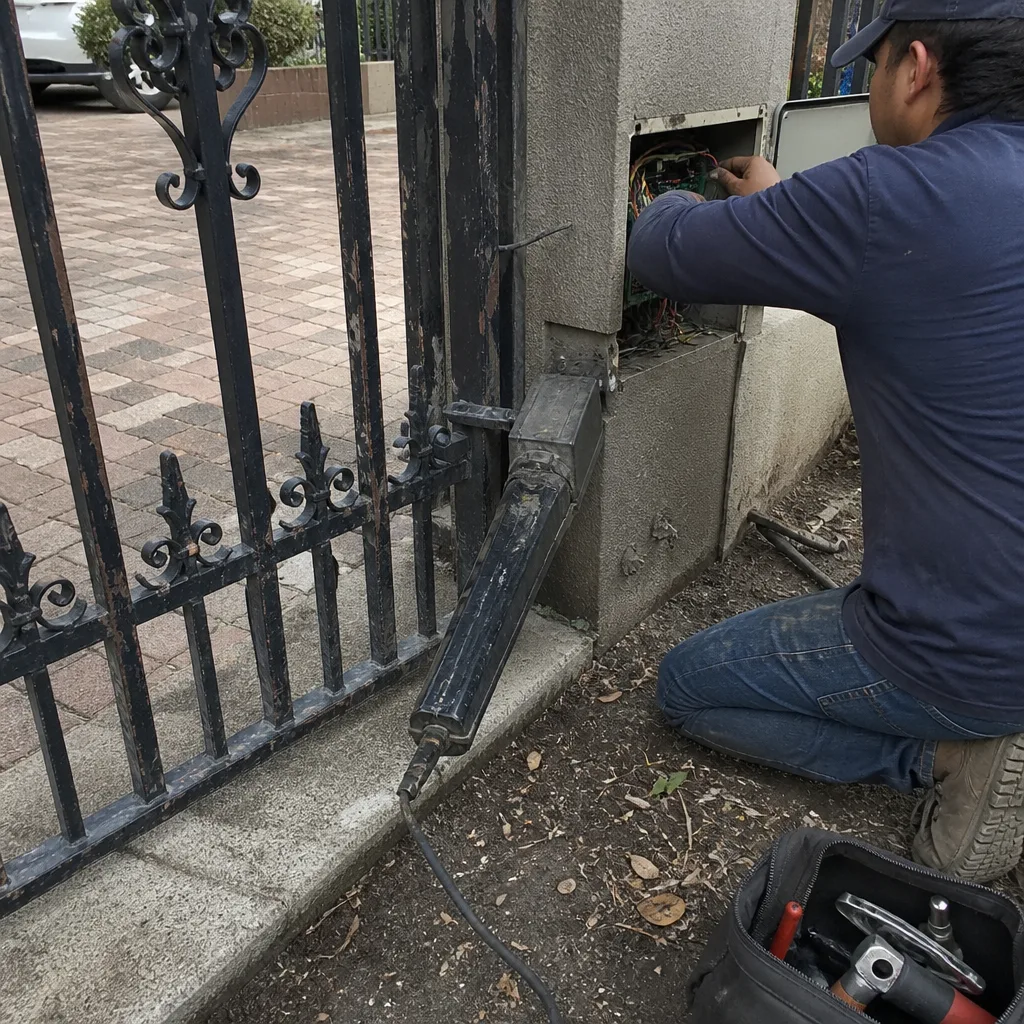 Before
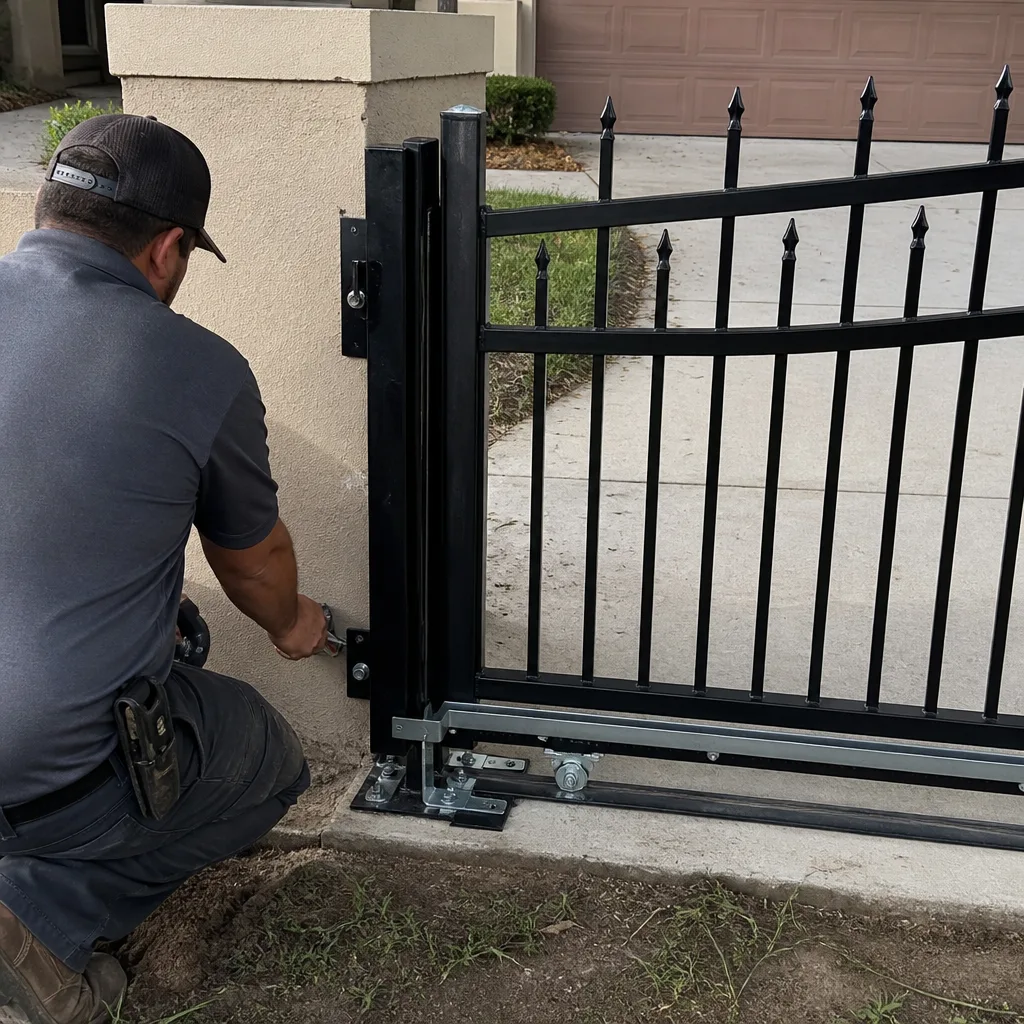 After
After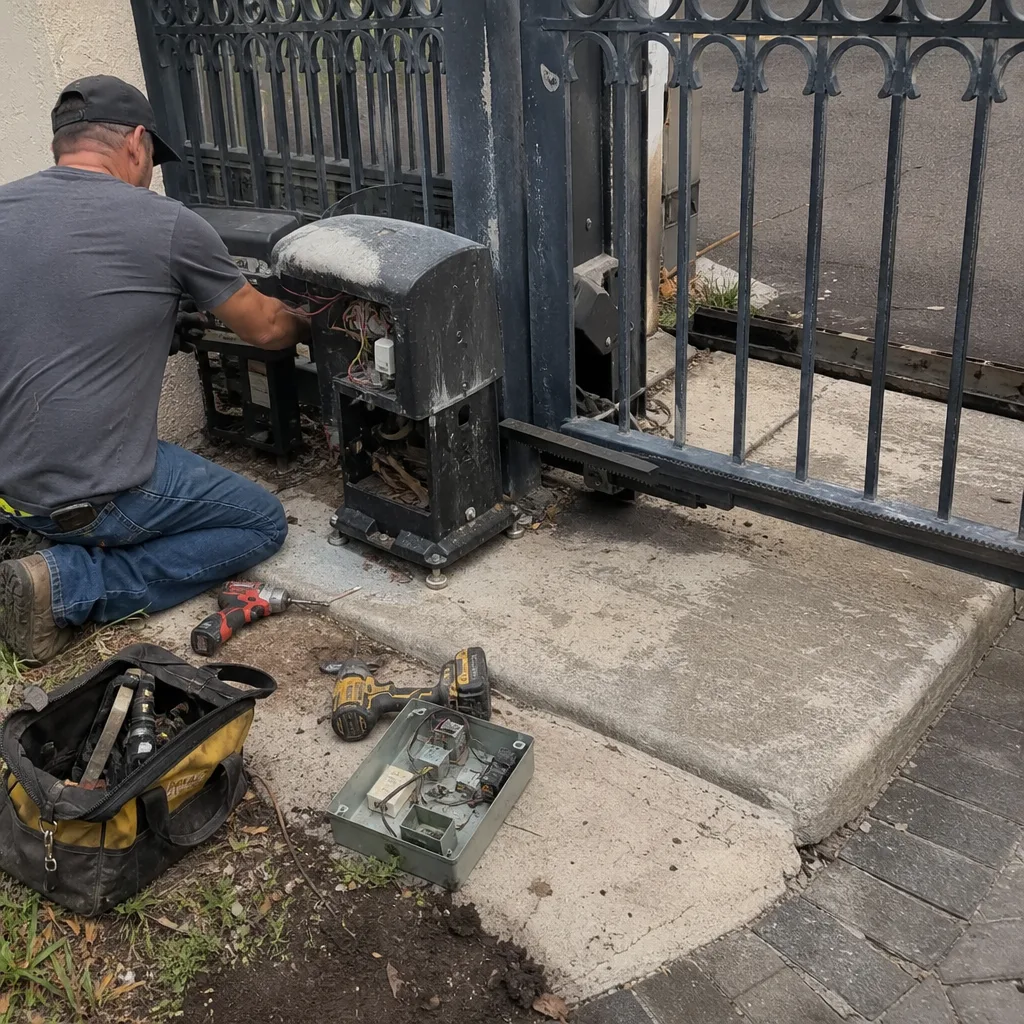 Before
 After
After Before
 After
After